
Centralized view for entire marketing team
See campaigns, creative, and owners in one place so marketing teams stay aligned without chasing updates across tools.
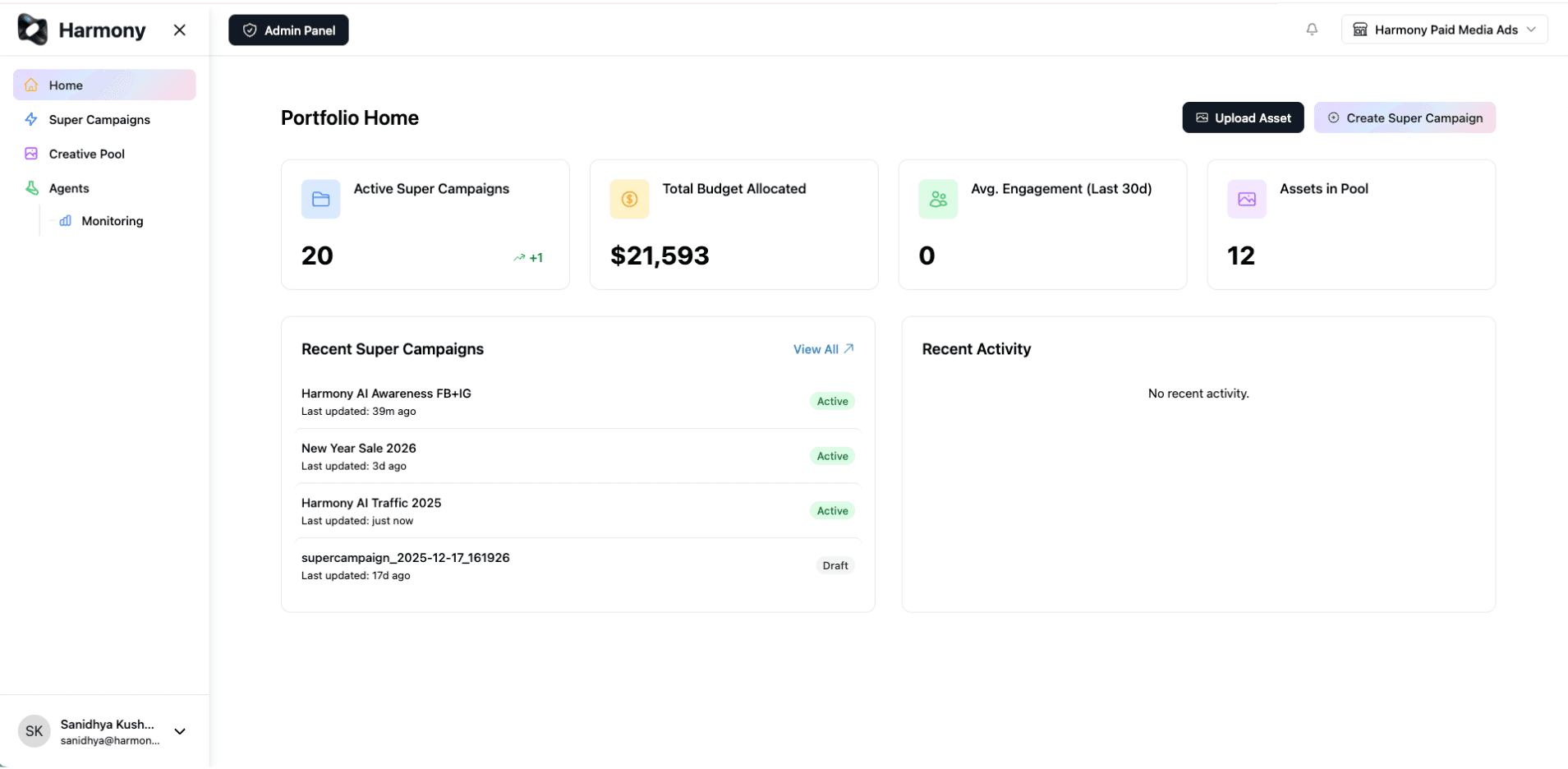
Harmony is a collaborative workspace designed for the way marketing teams actually work.
Not another generic board. A workspace shaped around campaigns, creative, and the people who ship them.
Try HarmonySee campaigns, creative, and owners in one place so marketing teams stay aligned without chasing updates across tools.
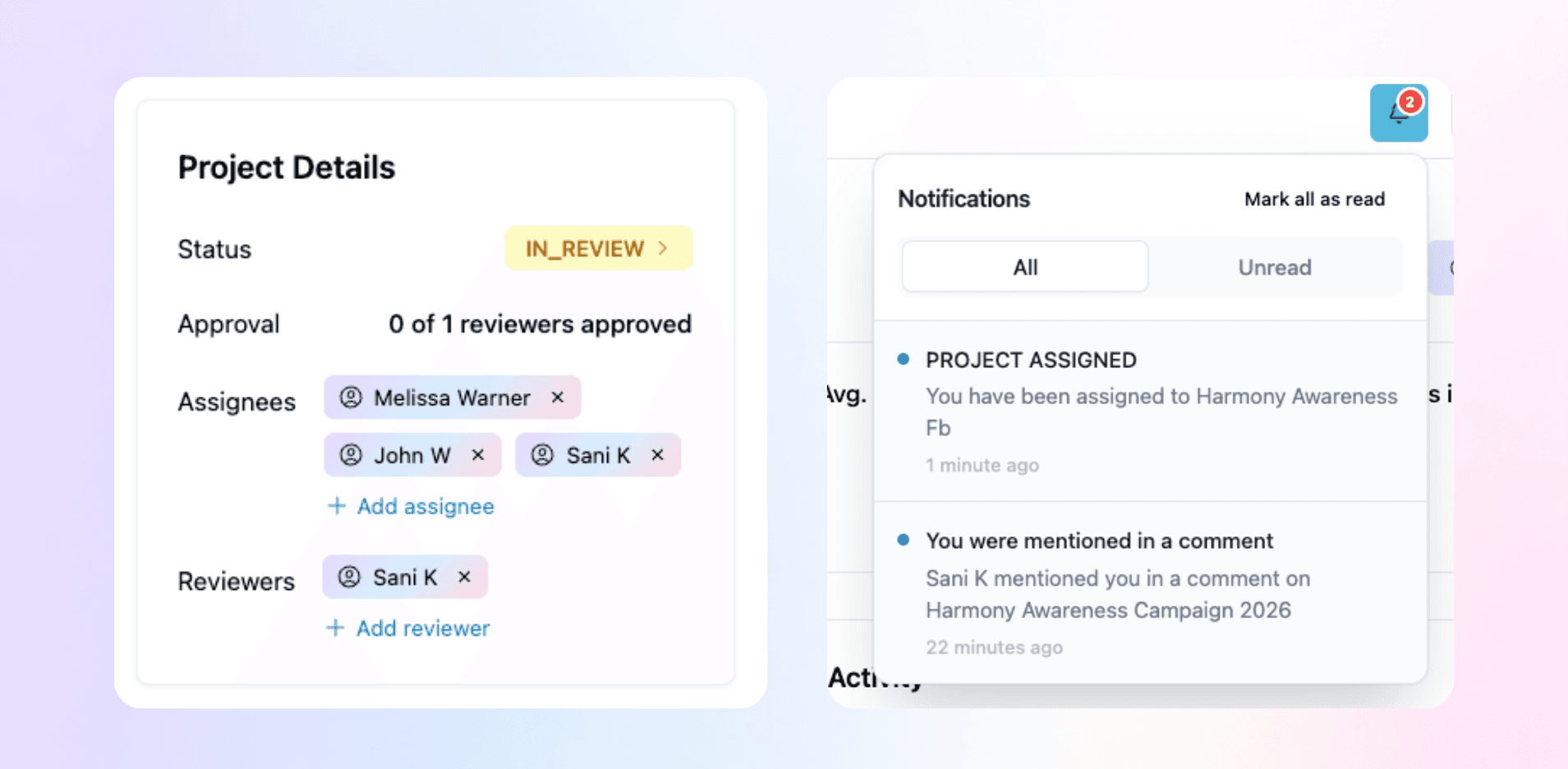
Leave feedback on the actual work. Tag teammates, assign reviewers, and resolve comments without leaving the campaign.
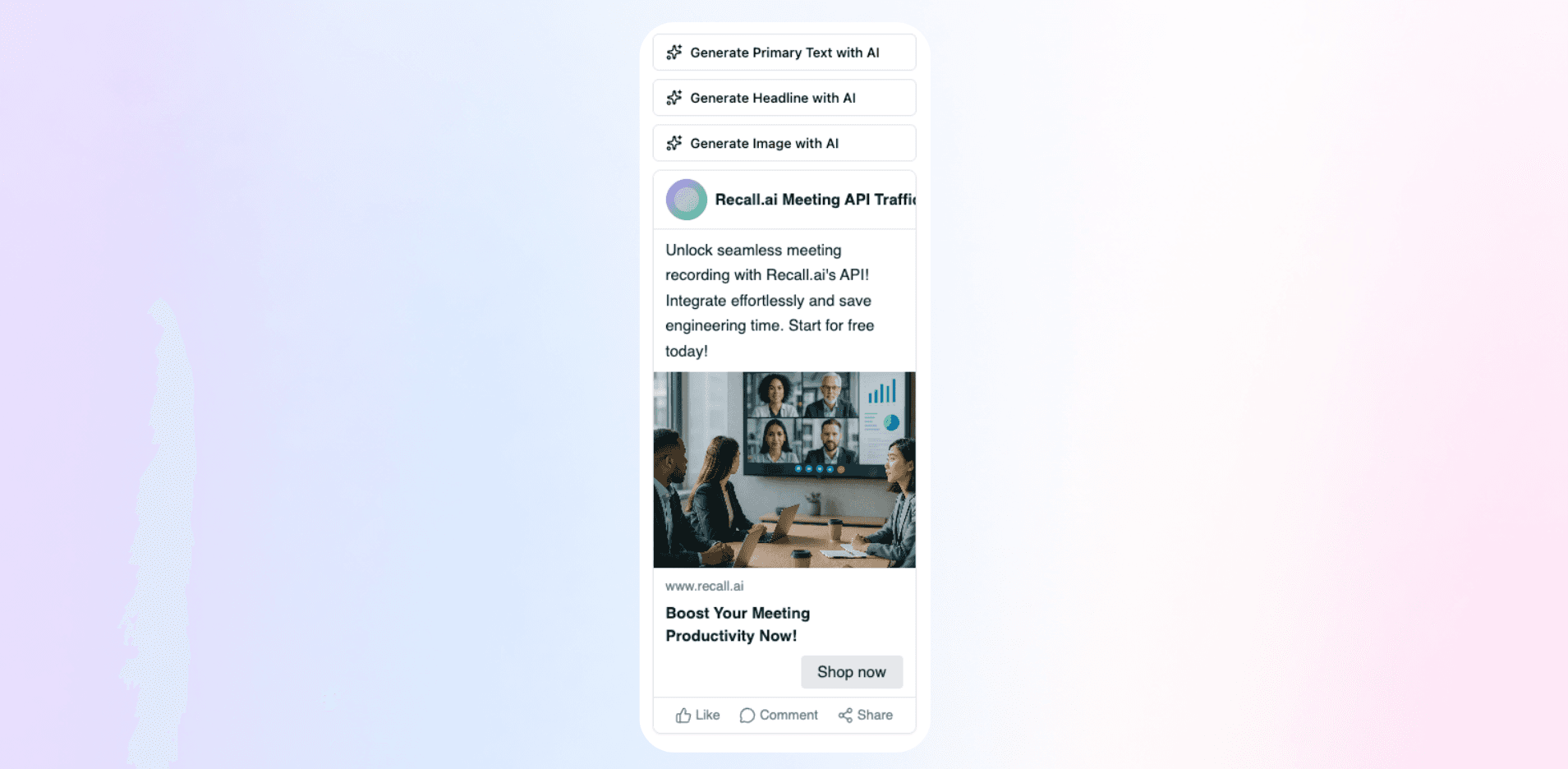
Magic reformatting, instant templates, and a handful of small AI tools that quietly handle the boring parts, so you don't have to.
Upload images, videos, and creative files directly into your workspace so everything your team needs stays attached to the campaign.
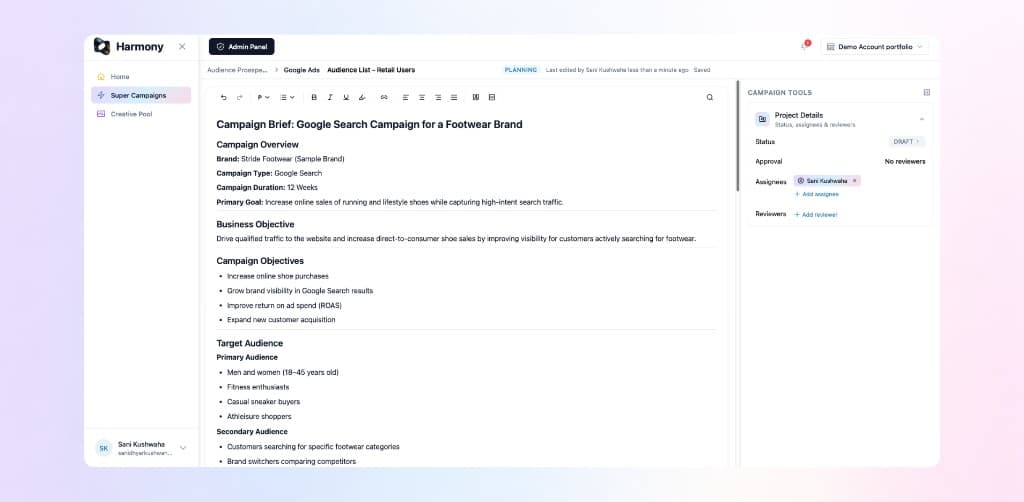
From planning to approval, see how Harmony fits into every stage of the campaign in one workspace built specifically for advertising.
Build your campaign, assign owners, and set timelines, all in a single workspace.
REPLACES
Campaign brief lives with the plan
Due dates set per campaign & assignment
Owners & Reviewers assigned per campaign
Timeline view for the whole campaign
Upload assets right alongside the campaign plan and copy they belong to, no more hunting through Drive, Dropbox, or old email threads for "final_v3_FINAL.png."
REPLACES
Assets sit next to the copy they belong to
Every version stays in one place
No more hunting through Drive or Dropbox
Context never gets lost between tools
Tag reviewers, comment directly on the asset or copy, and resolve feedback without leaving Harmony.
REPLACES
Reviewers on any campaign or asset
Comments live on the work itself
Tag teammates in context
Resolve feedback without a side thread
See real-time status across the whole team, no status meetings, no "just checking in" messages.
REPLACES
Live view of who's working on what
Campaign status without asking
Blockers surface before they delay you
No more status check-in messages
How we compare
An honest, vendor-by-vendor look at how Harmony compares to the tools ad teams typically stitch together, including where the others still win.
| Criteria | Harmony | Monday | Asana | Jira | Basecamp | G. Docs | Drive |
|---|---|---|---|---|---|---|---|
| Built for ad teams specifically | Strong | Partial | Partial | Limited | Limited | Limited | Limited |
| See who's working on what, live | Strong | Partial | Partial | Partial | Partial | Strong | Limited |
| Assets and content live together | Strong | Partial | Partial | Limited | Strong | Partial | Partial |
| Comment directly on the creative | Strong | Partial | Partial | Partial | Partial | Partial | Limited |
| Works well across your whole company | Partial | Strong | Strong | Partial | Strong | Partial | Limited |
| Depth of third-party integrations | Partial | Strong | Strong | Strong | Limited | Partial | Partial |
| Real-time co-editing on a document | Strong | Limited | Limited | Limited | Partial | Strong | Limited |
| Asset & creative management | Strong | Partial | Partial | Limited | Partial | Limited | Strong |
| AI built for advertising workflows | Strong | Partial | Partial | Partial | Limited | Partial | Limited |
← scroll to see all vendors →
The average marketing team juggles 15+ tools just to plan and ship a single campaign and teams running leaner stacks consistently outperform them.
Save 50% with yearly
$0
$0
No credit card required
No credit card required
KEY FEATURES:
$4
$2
Per user/month, billed monthly
Per user/month, billed yearly
EVERYTHING IN FREE, PLUS:
Common questions about Harmony, the project management workspace built for advertising teams.
Harmony is a project management workspace for advertising teams, agencies, and in-house marketing teams who plan and run campaigns together. Whether you are a small team managing one campaign or an agency juggling several, Harmony gives everyone a shared place to plan, create, and stay aligned.
Advertising teams often plan campaigns across five different tools: docs for briefs, drives for assets, and chat apps for feedback. That split costs time and context. Harmony brings campaign planning, creative, comments, and status into one workspace built for how advertising teams work, so the team spends less time coordinating and more time on the actual campaign.
Harmony is different from Slack and Google Drive because it keeps assets, comments, and status connected to the actual campaign. In Slack and Drive, that work is scattered across separate tools with no shared campaign context.
The whole campaign team can use Harmony, including creative, media planning, account management, and graphic designers. Harmony is not a manager-only reporting tool. It is built for the people doing the day-to-day campaign work, and everyone gets the same shared view.
No. Harmony fits around your existing process. It gives advertising teams one shared place to plan and collaborate, without requiring you to abandon the channels or platforms you already run campaigns on.
No. Harmony is built to support how ad teams already work. Specialist media planners and generalist marketers managing a campaign end-to-end can both use Harmony without changing their process.
Harmony users get access to a dedicated support team via email, chat, and phone. Premium plans include a dedicated account manager, priority support, and personalized onboarding, plus documentation and video tutorials.
Yes, for agencies and advertising-focused teams. Harmony is built to handle the full campaign workflow, so those teams often do not need a separate generic project management tool. Larger organizations working across many departments typically use Harmony alongside their existing PM tool so the ad team has a purpose-built workspace while staying connected to the rest of the company.